Keep receipts attached
Add photos or screenshots of receipts so each expense has supporting documentation.
Shared child expenses
Private, practical records for Australian families, with dated entries, supporting files and focused PDF exports for professional review.
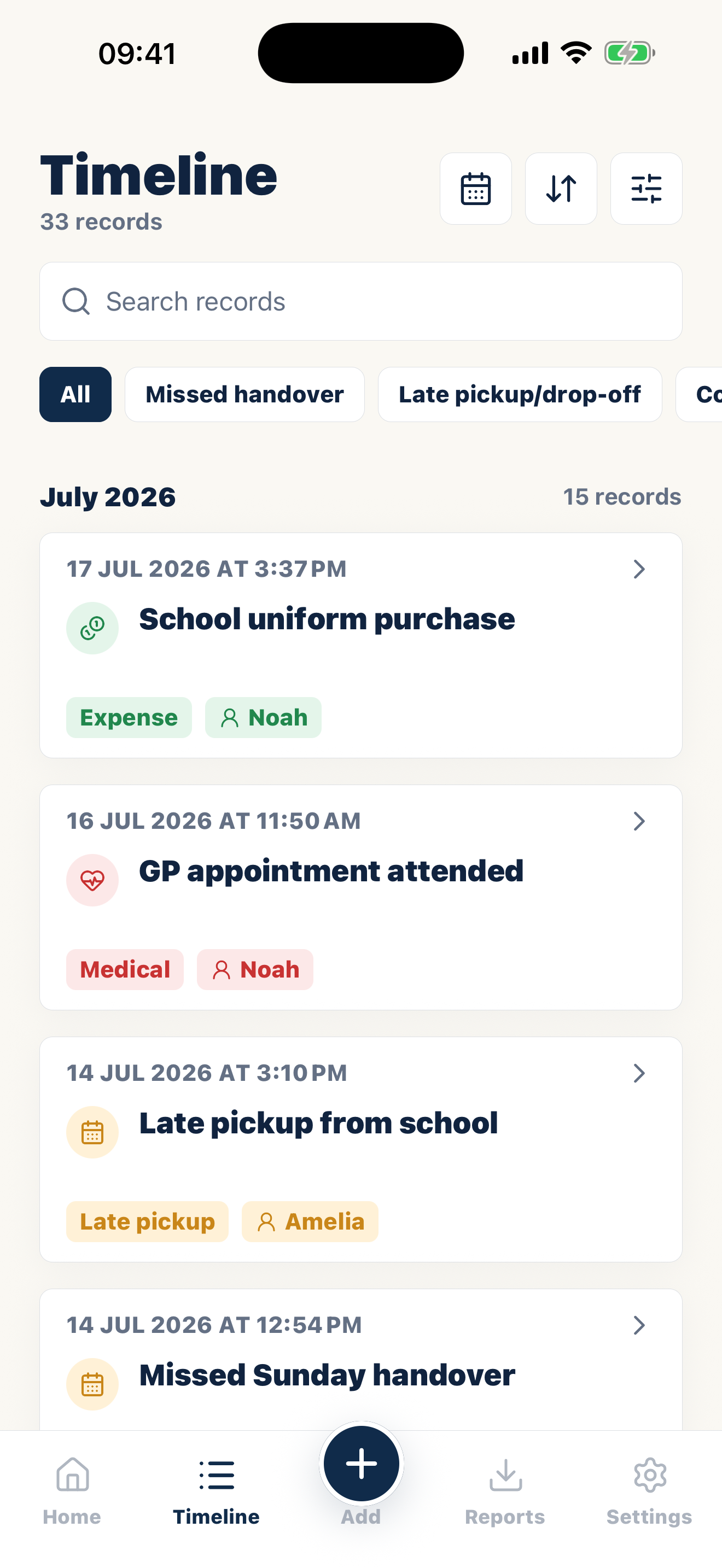
Add photos or screenshots of receipts so each expense has supporting documentation.
Record who paid, what the cost was for, whether reimbursement was requested, and any response.
Create a PDF export of relevant expenses for your own review or to discuss with a professional.
What this means in Australia
A useful Australian record starts with the parenting order, plan or agreement actually in force. Keep changeover details, messages and attachments in sequence, including ordinary events that provide context.
Federal family law supplies the broad framework, while Western Australia and some related processes have distinct pathways. A private app record is not automatically an affidavit or annexure. A family lawyer can advise how selected material relates to current court rules or professional review.
Keep the master archive broad and the review pack proportionate. Select the relevant sequence, preserve the originals and state any gap rather than smoothing it away.
A record you can reconstruct later
Quick checklist
How it works
Record the date, amount, currency, child, purpose, and who paid.
Attach the receipt and the relevant agreement, order wording, or reimbursement message.
Track what was requested, what was repaid, and what remains outstanding.
Common questions
Casewell helps organize information. It does not decide what is legally relevant or replace advice from a qualified professional.
You can record child-related costs such as school, medical, travel, clothing, activities, and other shared expenses relevant to your arrangements.
Yes. Keep the requested amount, response, payment received, and remaining balance with the original expense.
Yes. Filter the timeline to the relevant expense records and date range before creating a PDF.
Common records
Build a private, dated record and export the entries you choose when they are needed.
Casewell does not provide legal advice or guarantee professional acceptance.

14 days free on iPhone and Android.
Download on the App Store Get it on Google Play