custody journal app features
Private, practical records for Australian families, with dated entries, supporting files and focused PDF exports for a lawyer or mediator.
what this meansin Australia
A useful Australian record starts with the parenting order, plan or agreement actually in force. Keep changeover details, messages and attachments in sequence, including ordinary events that provide context.
Federal family law supplies the broad framework, while Western Australia and some related processes have distinct pathways. A private app record is not automatically an affidavit or annexure. A family lawyer can advise how selected material relates to current court rules or professional review.
Keep the master archive broad and the review pack proportionate. Select the relevant sequence, preserve the originals and state any gap rather than smoothing it away.
every featuresolves one documentation problem
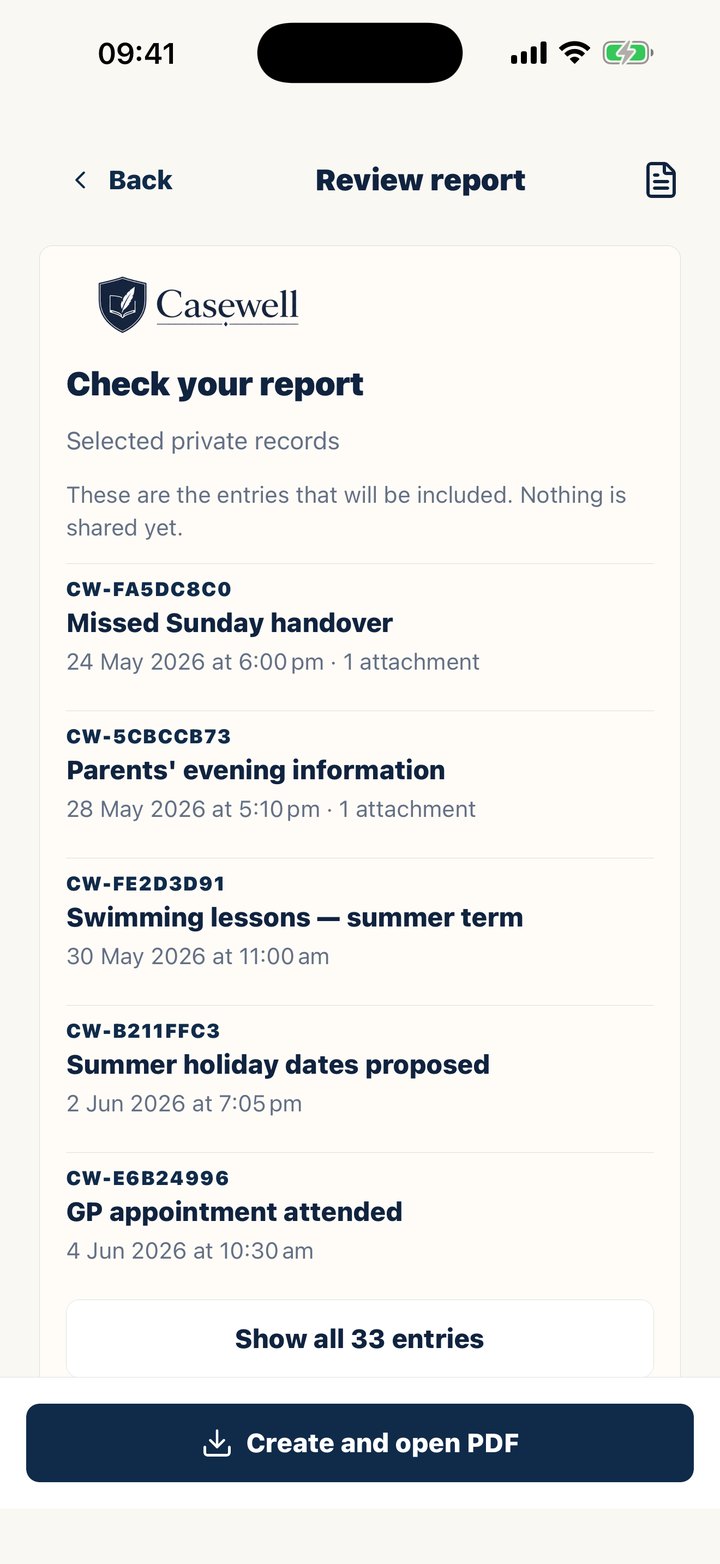
focused reports
Choose the records that matter and create a readable PDF with event dates, saved revisions and linked supporting material, ready for a lawyer, mediator or other professional.
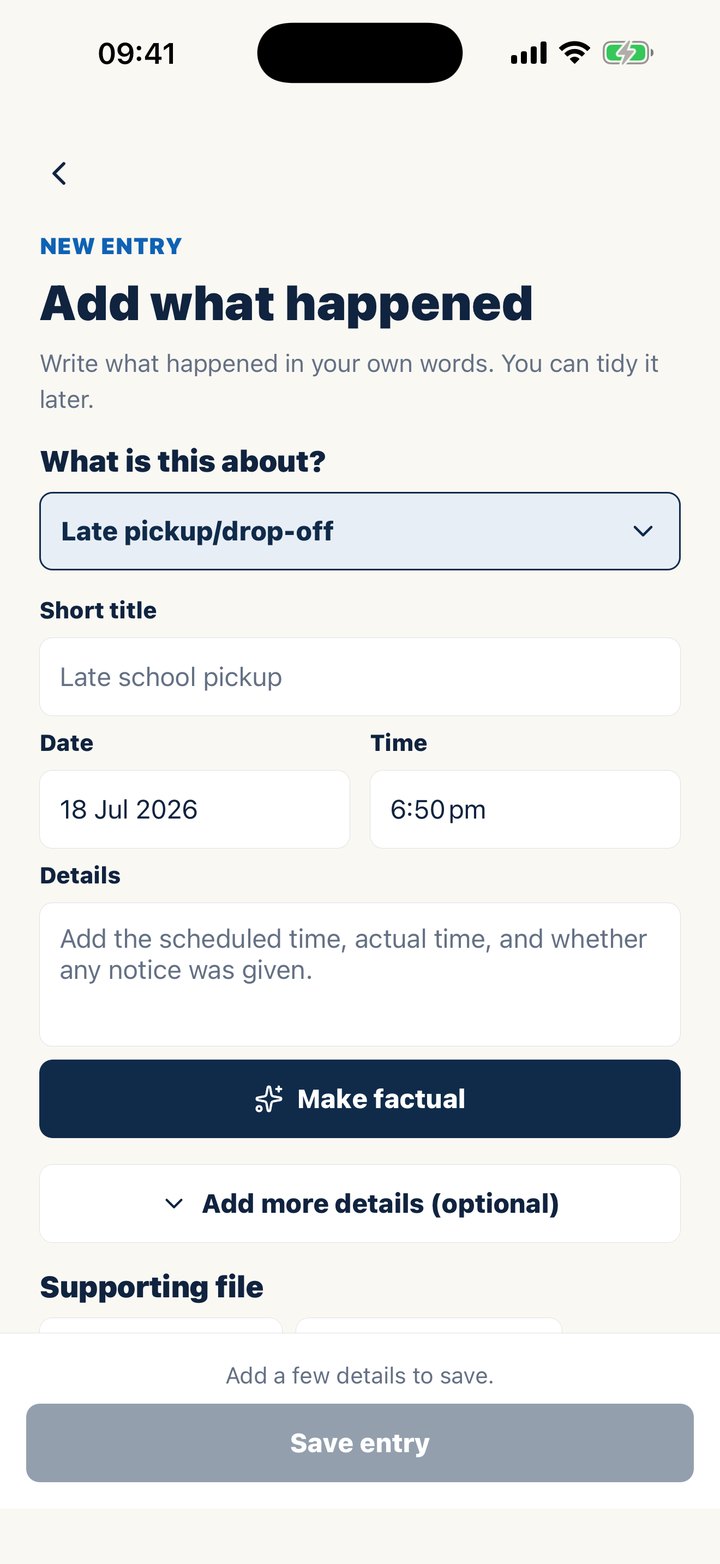
structured entries
Capture the event type, title, date, time, child and practical details in consistent fields.
optional factual rewrite
Start in your own words, then tap Make factual for a clearer, neutral draft. You decide whether to use it.
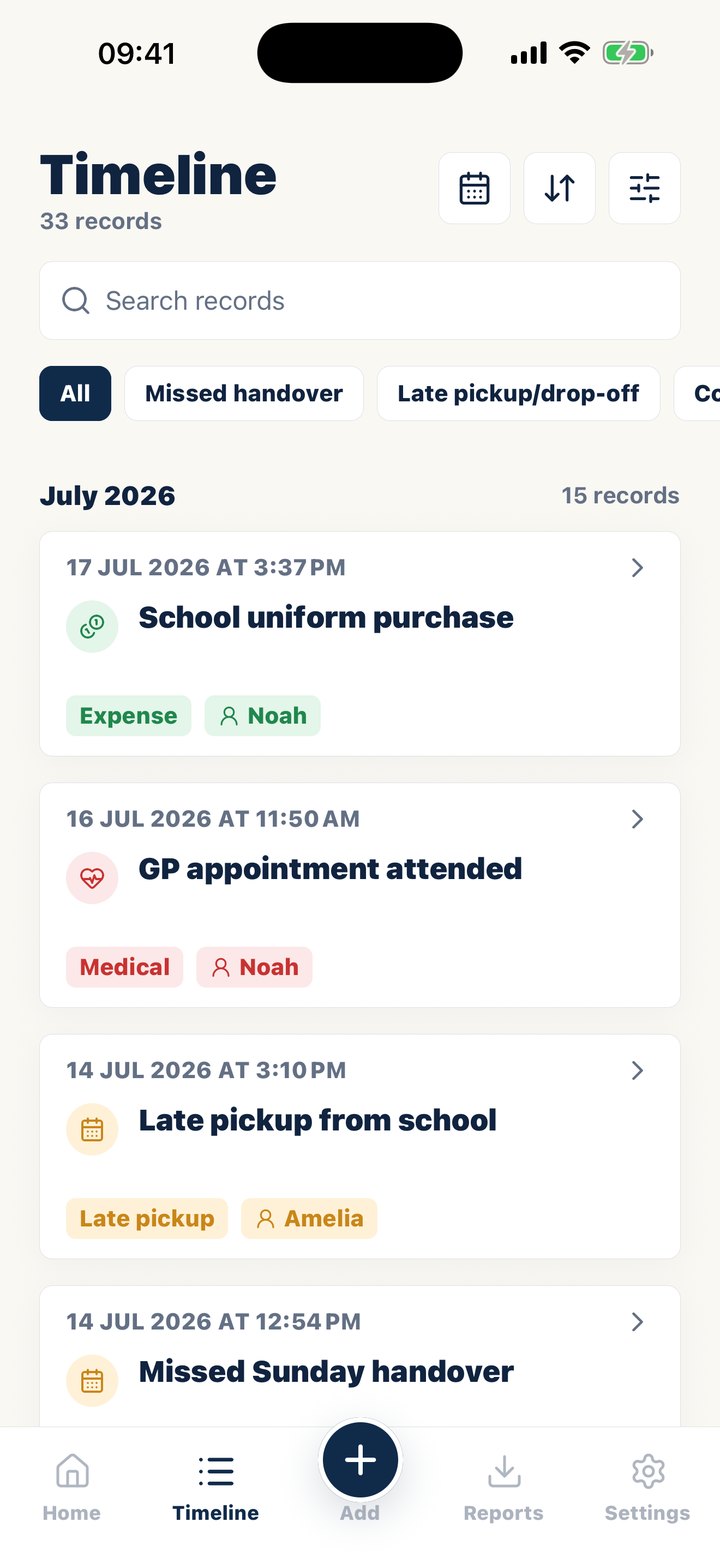
searchable timeline
Find the events you need by category, date or child, even in a long history.
evidence beside the event
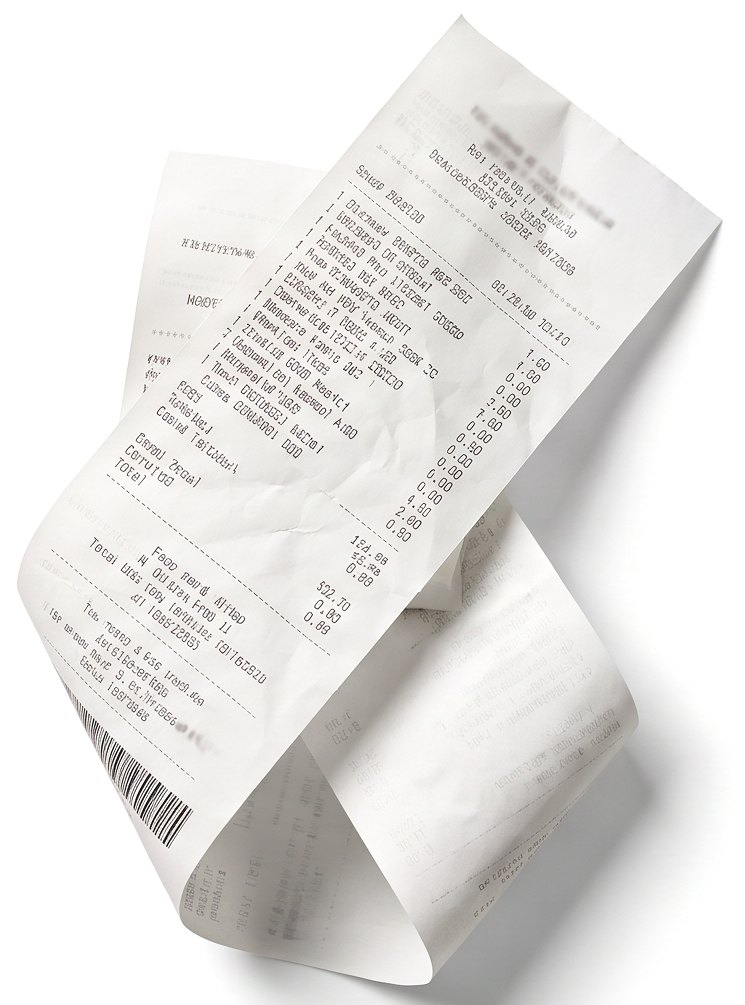
Keep photos, receipts and files with the entry they support.
saved entry history
When details change, Casewell keeps the earlier version and shows when the entry was updated, so a correction never silently replaces the record.
private by design
Your journal is for your own documentation. Your record is yours alone and depends on no one else's cooperation.
from a fresh eventto a reviewable report

How did today go? A quick note takes about 20 seconds.
capture
Add the event while details are fresh, using the prompts to record times, arrangements and observable outcomes.
review
Check the wording, add supporting files and correct omissions without silently replacing the history of the entry.
export
Filter the timeline to the relevant period or topic, then create a PDF for your own review or a professional conversation.
designed for documentationnot for messaging
Casewell is a private place to build a consistent record, so the screens stay on dates, events, sources and reports rather than chat threads. If you already use a co-parenting messaging app, keep it for messages and keep your own record here.
what Casewelldoes not decide
The app cannot determine whether a record is admissible, prove a disputed claim or replace legal advice. It helps you preserve and organise information so an appropriate professional can assess it in context.
your questions, answered
What makes records court-ready?
Court-ready records are dated, factual and easy to check. Each entry should show when it happened and when it was written. It should say whether it changed, and keep its supporting files with it. Whether a record is used is still up to the court.
Will the court automatically accept records from an app?
No. An app does not make records admissible. It helps organize dated entries and sources for review. The court decides relevance and filing format.
What if I need to fix a mistake in an entry?
Fix it, and use an app that shows the change. Casewell saves the earlier version each time you edit an entry. The exported PDF marks that entry as edited after recording. That is more honest than a record you can never correct, and safer than one that changes without a trace.
Is an app that locks entries better than one that lets me edit?
For messages between parents, locking works well. OurFamilyWizard, TalkingParents and AppClose all lock sent messages. For your own record, you need to fix typos and wrong times. What matters there is that edits are saved and shown, not hidden.
Do I need a documentation app if we already use OurFamilyWizard?
Often, yes. A shared platform records what the two of you send each other. It does not record the late pickup, the school call or the receipt unless someone writes it down. Many parents keep a private record alongside the shared platform.
Should records be stored privately?
Yes. Personal documentation is most useful when you control it. Your record is yours alone and depends on no one else's cooperation.
keep readingguides for Australian parents
written on the hard days.ready for the day it matters.
Every entry becomes part of a clear, court-ready PDF.
Start free trial