 Casewell
turn your text messagesinto a timeline for court
Drop in your screenshots. Get a dated timeline and numbered exhibits, ready for your lawyer or the court.
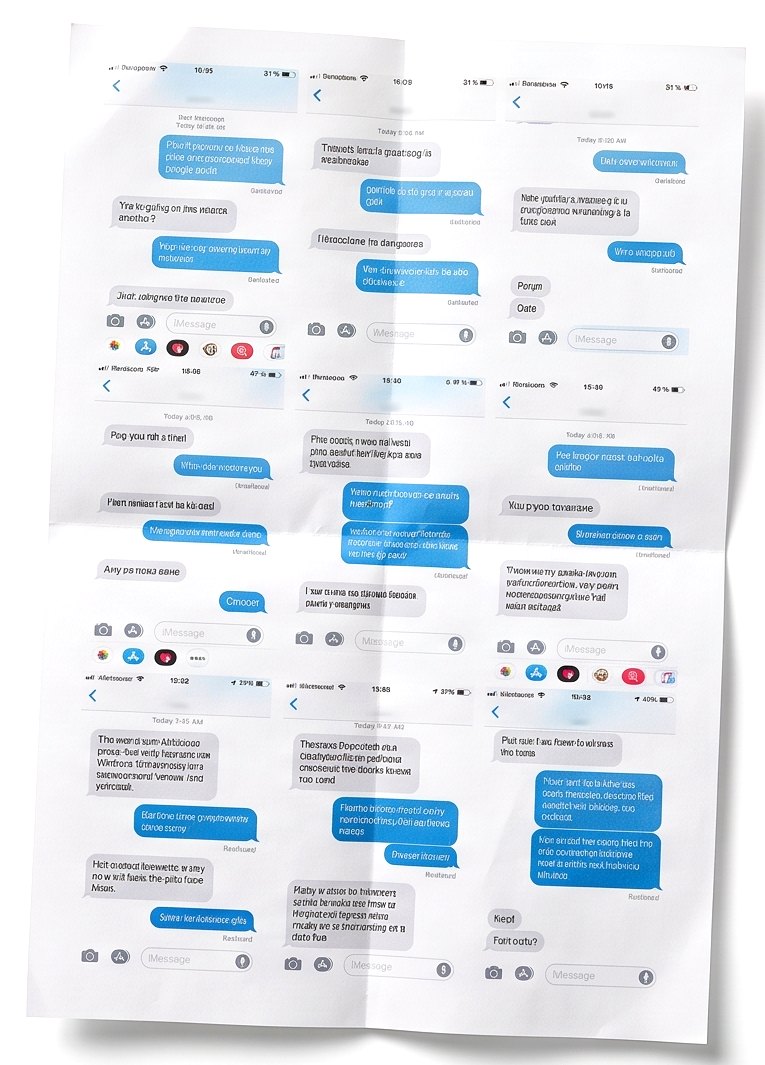
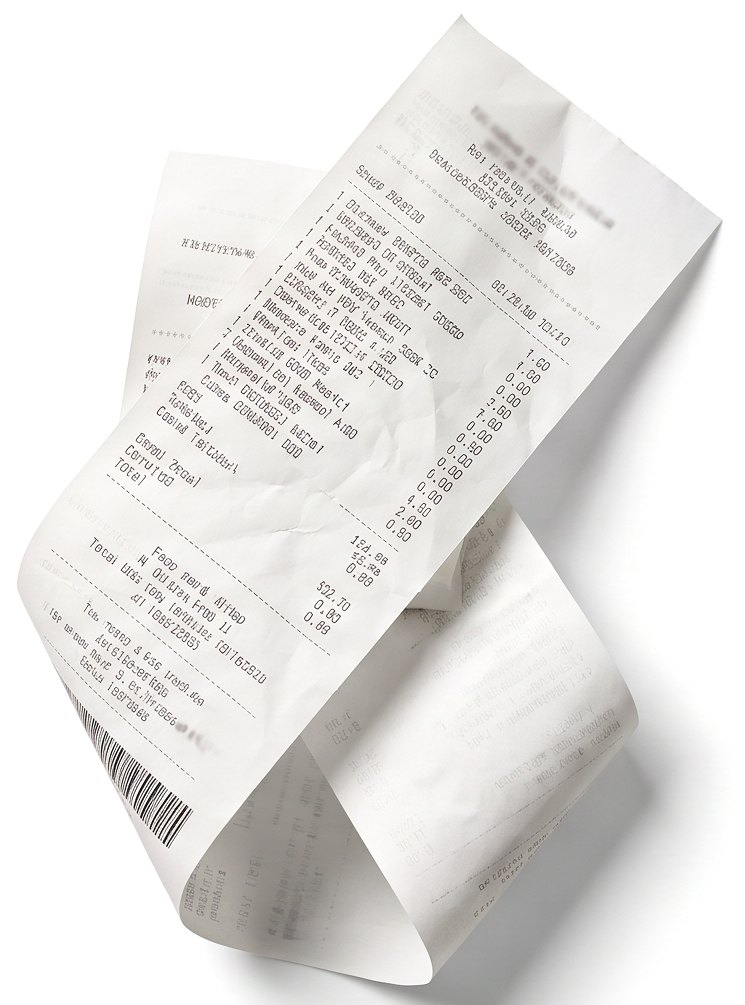
reads screenshots from
careful with every dateprivate by design
three documentsready to hand over
| No. | Date | Event | Ref |
|---|---|---|---|
| 1 | 13 Mar 2026 | Dan Smith confirmed by text that he would collect the children at 17:30 the next day. | JS1 |
| 2 | 14 Mar 2026 | Dan Smith cancelled the 17:30 handover by text at 17:20 and did not offer another date. | JS1 |
| 3 | 21 Mar 2026 | Dan Smith collected the children at 18:20, 50 minutes after the agreed time. | JS2 |
| 4 | 28 Mar 2026 | The school emailed both parents about Mia's absence on Monday. | JS3 |
| 5 | 2 Apr 2026 | Dan Smith asked by text to swap the Easter weekend. | JS4 |
Dan Smith cancelled the 17:30 handover by text at 17:20 and refused and did not offer another date.
chronology
The page a judge reads first. One neutral line per event.
exhibit pack
Every screenshot, numbered and provably unchanged.
word copy
Your lawyer can edit the wording.
from camera rollto court documents in three steps
add screenshots
Up to 300, from any app: texts, WhatsApp, email, or photos of letters and receipts.
Dan Smith cancelled the 17:30 handover by text and did not offer another date.
check each line
One tap if it looks right. Anything unclear, like a missing date, is flagged for you.
download
A chronology, an exhibit pack and a Word copy your lawyer can edit.
try it freepay once when you download
fixed or refunded
If your documents don't work as described, email getcasewell@gmail.com within 7 days of paying. We'll fix the problem, or refund you if we can't. Your statutory rights are not affected.
- One payment, no subscription to cancel
- 30 days to edit and download again
- No account needed
recording things every week?
The Casewell app keeps a private, dated journal on your phone, with exchange check-ins and court-ready PDFs.
see the appyour questions, answered
Anything else? Email getcasewell@gmail.com.
How do I print text messages for court?
Add screenshots of the conversation, and Casewell turns them into PDFs you can print. The chronology lists what happened by date. The exhibit pack holds each screenshot, numbered, with a word-for-word transcription. Print them at home or at a print shop. Keep the original messages on your phone in case the court asks to see them. Courts set their own rules on copies, so check yours before you go. Our guide to printing text messages for court covers doing it by hand.
What does it cost?
Reading up to 30 screenshots and seeing your timeline is free. Downloading the documents is one payment: £29 in the UK, A$59 in Australia, C$49 in Canada and $39 everywhere else. There is no subscription to cancel.
Where do my screenshots go?
Your timeline is saved in your own browser. Each screenshot is sent once to be read and is not kept on Casewell's servers. The reading service, OpenAI, does not use the data for training and may hold it for up to 30 days for abuse monitoring. You don't need an account, and only you decide who sees your documents.
Which courts is it set up for?
The documents follow common formats for family courts in the United States, England and Wales, Australia and Canada, with a general format for other countries. Check your court's own rules before filing.
Do the documents follow my state's rules in the US?
Each state, and often each county, sets its own rules for exhibits and filing. The documents use common US formats: Petitioner's or Respondent's exhibit labels on letter-size pages. Check your court's local rules or ask the clerk. For how custody works where you live, see our custody laws by state guides.
How are text messages used as evidence in Australia?
In the Federal Circuit and Family Court of Australia, screenshots you rely on are usually attached to your affidavit as annexures. You sign the affidavit in front of an authorised witness, such as a lawyer or Justice of the Peace. The chronology helps you set out events in date order, and the exhibit pack has the screenshots ready to annex. Check the court's rules, or ask a lawyer, before you file.
How are text messages used as evidence in Canada?
Rules differ by province. In most family courts, you give evidence in an affidavit and attach screenshots to it as exhibits. You swear or affirm the affidavit before a commissioner for taking affidavits. You may need to show the messages are genuine, so keep the originals on your phone. Check your court's rules, or ask a lawyer, before you file.
Can I put screenshots in a court bundle in England and Wales?
Since March 2026, texts and screenshots go into a family court bundle only if the judge directs it. The chronology is what you file. Keep the exhibit pack for your solicitor or for when the court asks for it.
What if a date isn't visible in the screenshot?
Casewell reads each date as accurately as the screenshot allows. If no date is visible, the entry is flagged for you to add one. A date worked out from a word like "Yesterday" is marked as approximate. You can change any date before you download.
Is this legal advice?
No. Casewell organises what you provide. A court or qualified professional decides what is relevant or accepted. Check every entry before you file.
What if something goes wrong?
If your documents don't work as described, email getcasewell@gmail.com within 7 days of paying. We'll fix the problem, or refund you if we can't. Your statutory rights are not affected.
your messages, in order.in minutes.
Start with a few screenshots. You only pay if you download the documents.