
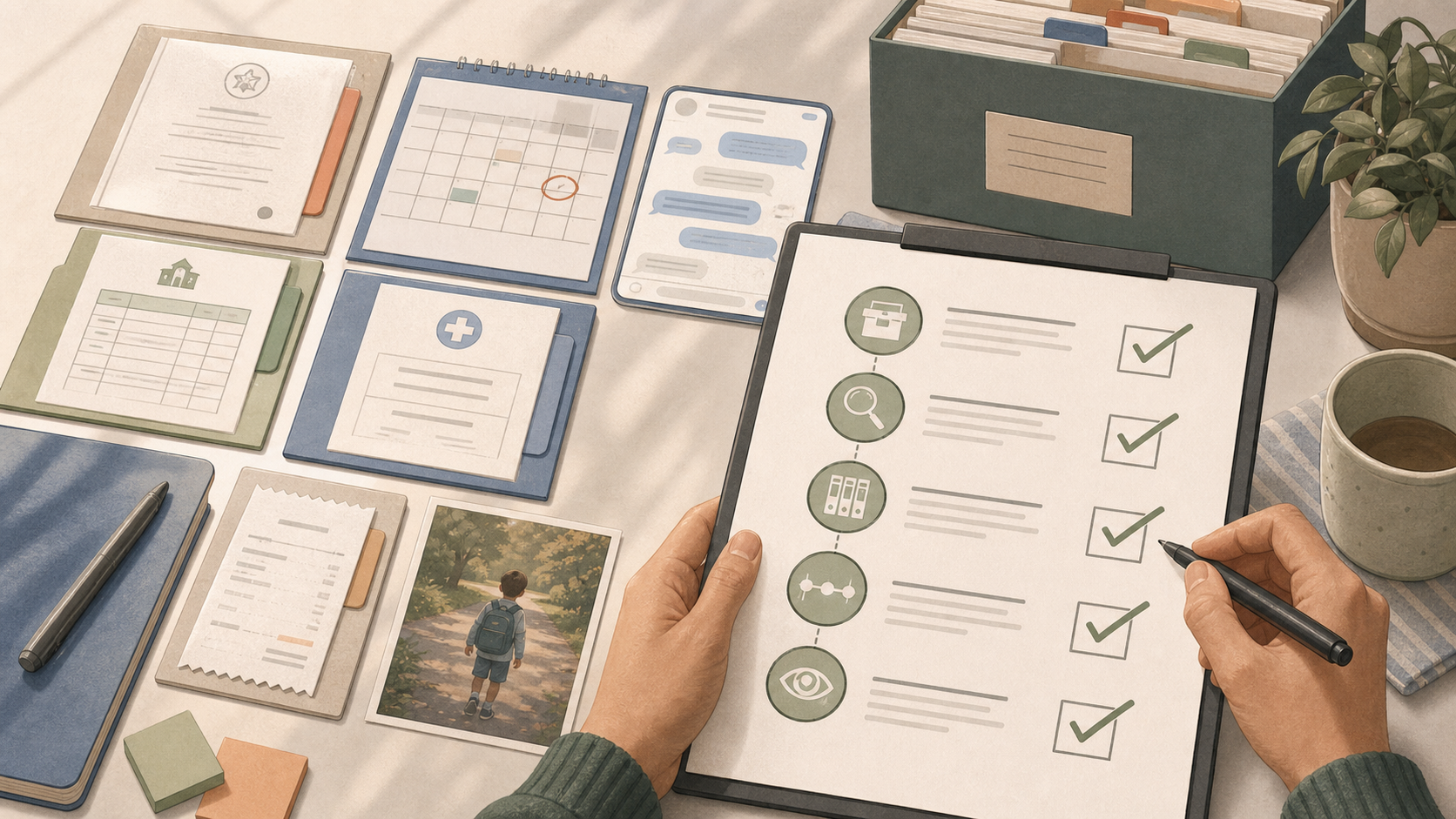
The collection checklist
- Current and earlier relevant orders, agreements and parenting plans.
- Parenting-time calendars showing scheduled and actual time.
- Material messages or emails about care, changes, decisions and costs.
- Relevant school, medical or activity records got lawfully.
- Receipts, invoices, repayment requests and payment proof.
- Incident entries, exact volunteered words and expert contact references.
- Photos, call logs or location records where lawful and genuinely relevant.
- Names of potential adult witnesses and the fact each person directly observed.
This is a collection list, not a direction to file every type.
The verification checklist
For each item, confirm the original source, event date, document date, sender or creator, full surrounding context and whether the item has been edited. Record how you got it. If a message screenshot cuts off the date, sender or preceding exchange, keep a wider view or export. If a document came from another person, identify that person rather than presenting it as your direct knowledge.
A typed reconstruction can help readability but shouldn't replace an unclear original. Label the transcription and link both files in the index.
Use this copyable master-index row
REF: MSG-027
EVENT DATE: 08 May 2026
DOCUMENT DATE: 08 May 2026
DESCRIPTION: Message changing Friday collection to 19:00
SOURCE/CREATOR: Original co-parent message export
ISSUE TAGS: parenting time. Schedule changes
ORIGINAL FILE: export-2026-05-01-to-05-15.pdf, page 14
WORKING COPY: MSG-027.pdf
TIMELINE ENTRY: CH-019
LIMITATION: preceding voice call not recorded
SHARING/REDACTION REVIEW: pending
Separate candidate material from reviewed material
Use simple statuses: collected, verified, indexed, linked to issue, reviewed, and selected for an exact purpose. An item can be genuine yet irrelevant. It can be relevant yet unsuitable for filing in its present form. It can support background while adding nothing to the question at the next hearing.
This staged checklist prevents “evidence” from becoming an all-or-nothing label. It also lets a lawyer see which sources need attention without searching every folder.
Run a privacy and safety check
Check for a child's address, school details, medical information, account numbers, third-party contact details and confidential expert messages. Keep access limited. Redaction and disclosure rules depend on the legal area and proceeding. So don't alter an original or assume a private detail may simply be removed. Create a reviewed working copy only after the correct process is known.
If material suggests immediate danger, prioritize emergency or safeguarding help. The checklist comes after safety.
Make every selected item earn its place
Before putting an item in a hearing or advice pack, finish this sentence: “This helps the reader understand ___ because it shows ___.” Then add the timeline reference. If the sentence needs a long argument, the connection may be weak or the issue map may need revision.
The separate free custody evidence checklist is useful for collection. This guide adds the verification and timeline layer that turns a list of documents into a navigable record.
How Casewell can help
Casewell keeps dated notes and their files together, then exports the ones you choose as a PDF for a lawyer, a mediator or your own records.

Do I need certified copies?
That depends on the document, purpose and local rules. Keep the best original available and ask the relevant court office or qualified expert what form is needed.
Can I include records created by the other parent?
Keep lawfully got material with full context and source details. Relevance, authenticity, privacy and admissibility still need local review.
How often should I update the index?
Index fragile or important material when you collect it. A weekly check and monthly timeline review usually prevent a last-minute backlog.
Sources
Legal steps and terms vary. These official sources were checked for the general points used in this guide.